
Here's the typical homeowner journey with documentation:
- You realize you should probably document your home.
- You sit down to do it.
- You look at the size of the job.
- You close the laptop.
- You don't think about it again for nine months.
This isn't a discipline problem. It's a project-design problem. "Document my entire home" is a terrible task because there's no clear next step. "Do the emergency shutoffs" or "inventory the kitchen" or "scan the manuals from the kitchen appliances" are great tasks because they're small enough to finish in one sitting.
Dib's Quests turn the giant homeowner preparedness checklist into bite-sized wins. Each quest is a 10-to-30-minute mission with a clear objective, AI-guided steps, and a satisfying done state. You finish a few, you've actually documented your home. No epic Saturday required.
What are Home Quests?
Quests are guided, gamified mini-projects inside Dib. Each one targets a single, finishable goal:
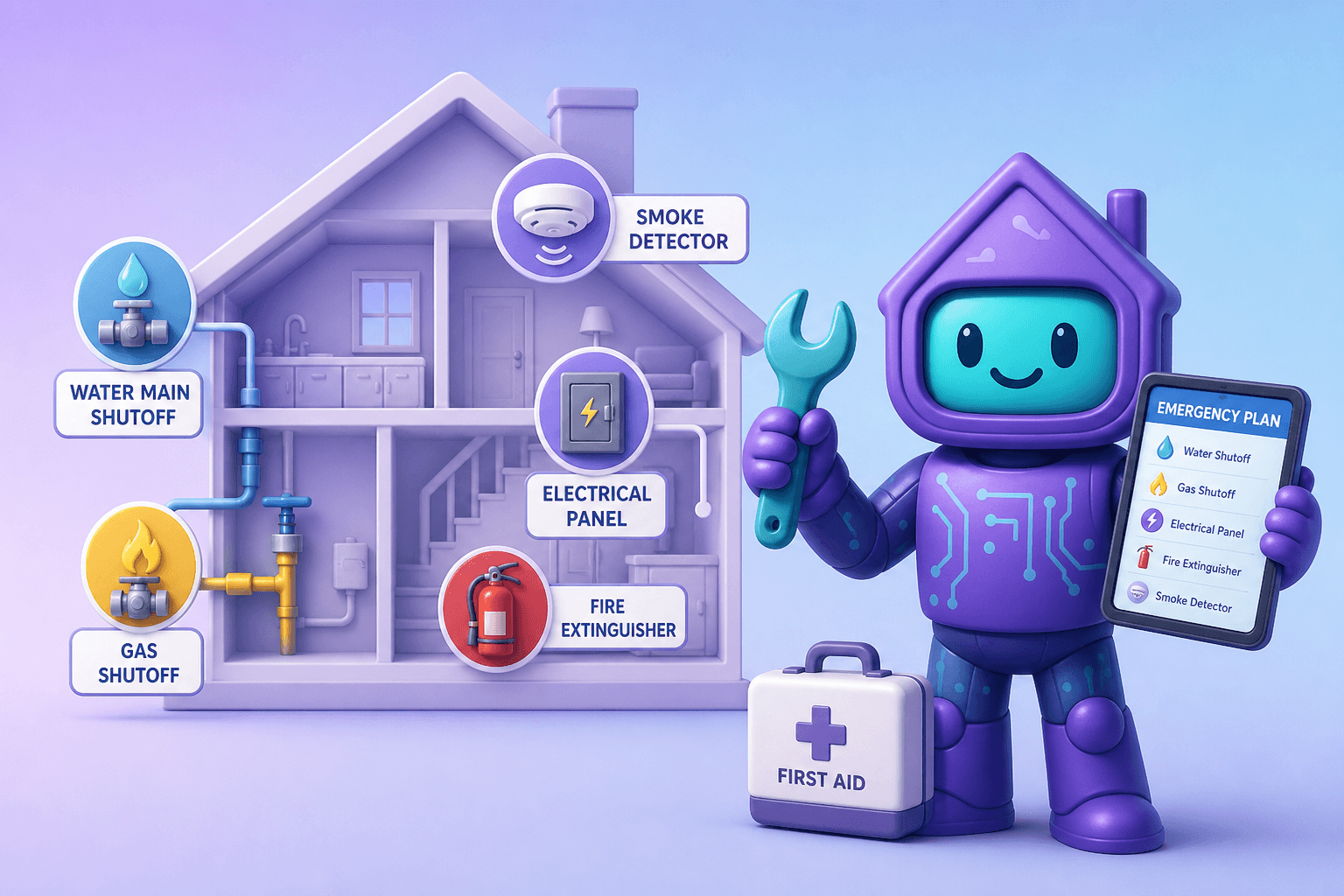
- Document your water and gas shutoffs
- Inventory the major kitchen appliances
- Capture your home's paint colors
- Set up your first three maintenance reminders
- Get your important documents into the vault
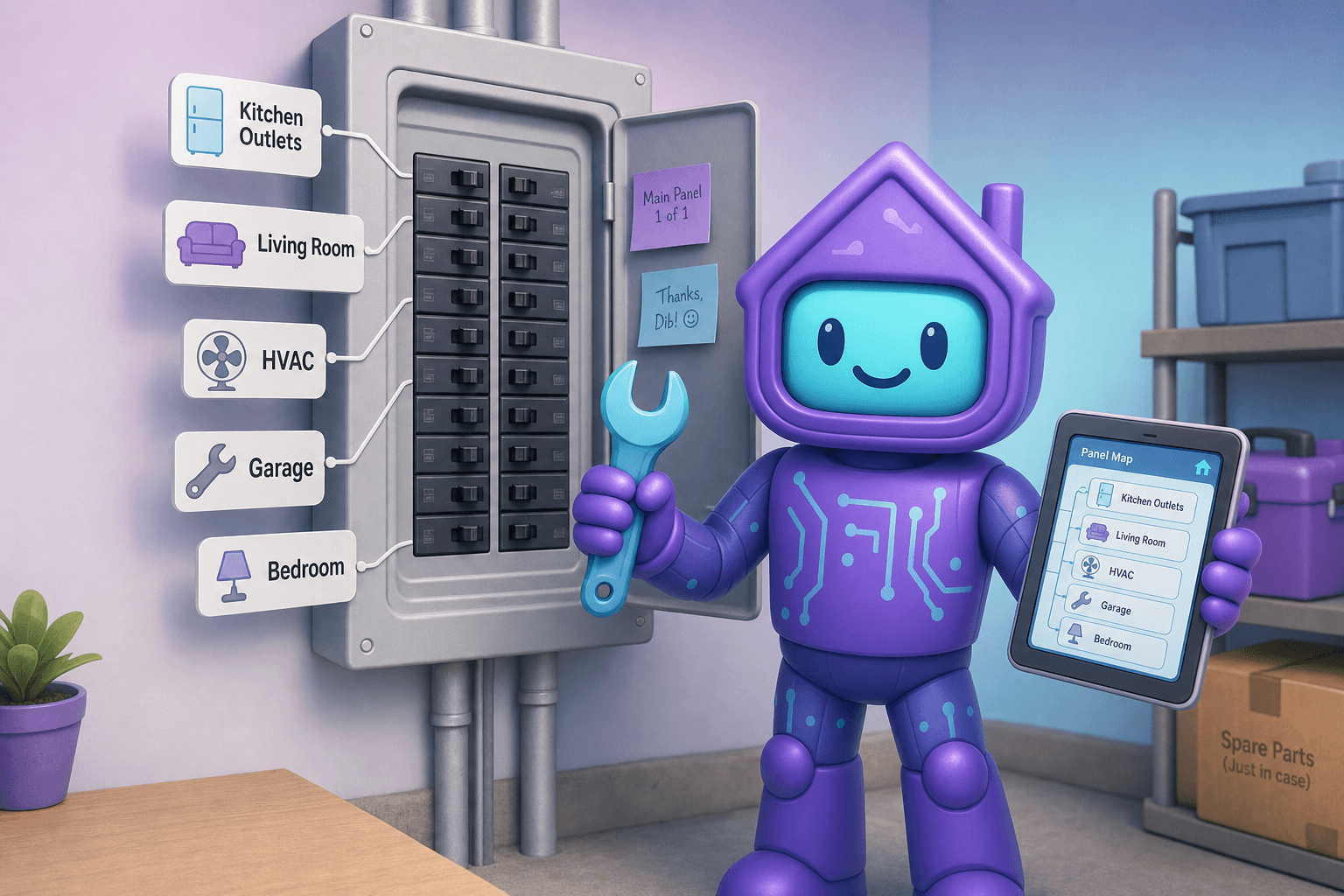
- Map the breaker panel
- Set up an emergency share link for a sitter
- Capture your vehicle's basics
Each quest walks you through the steps, prompts you for the right photos and details, and marks itself complete when you've nailed the objective. There's no fluff and no marketing-speak. Just "here's what to do, here's how to do it, here's done."
Why this approach actually finishes the job
The reason quests work where giant checklists don't:
- Finishable. A 15-minute quest is something you can actually do today. A 50-item checklist is something you'll do "soon."
- Sequenced. Quests prioritize the highest-leverage tasks first. Emergency shutoffs before vintage china. Kitchen appliances before kids' toys.
- Self-contained. You don't need to plan or scope. The quest tells you exactly what to do next.
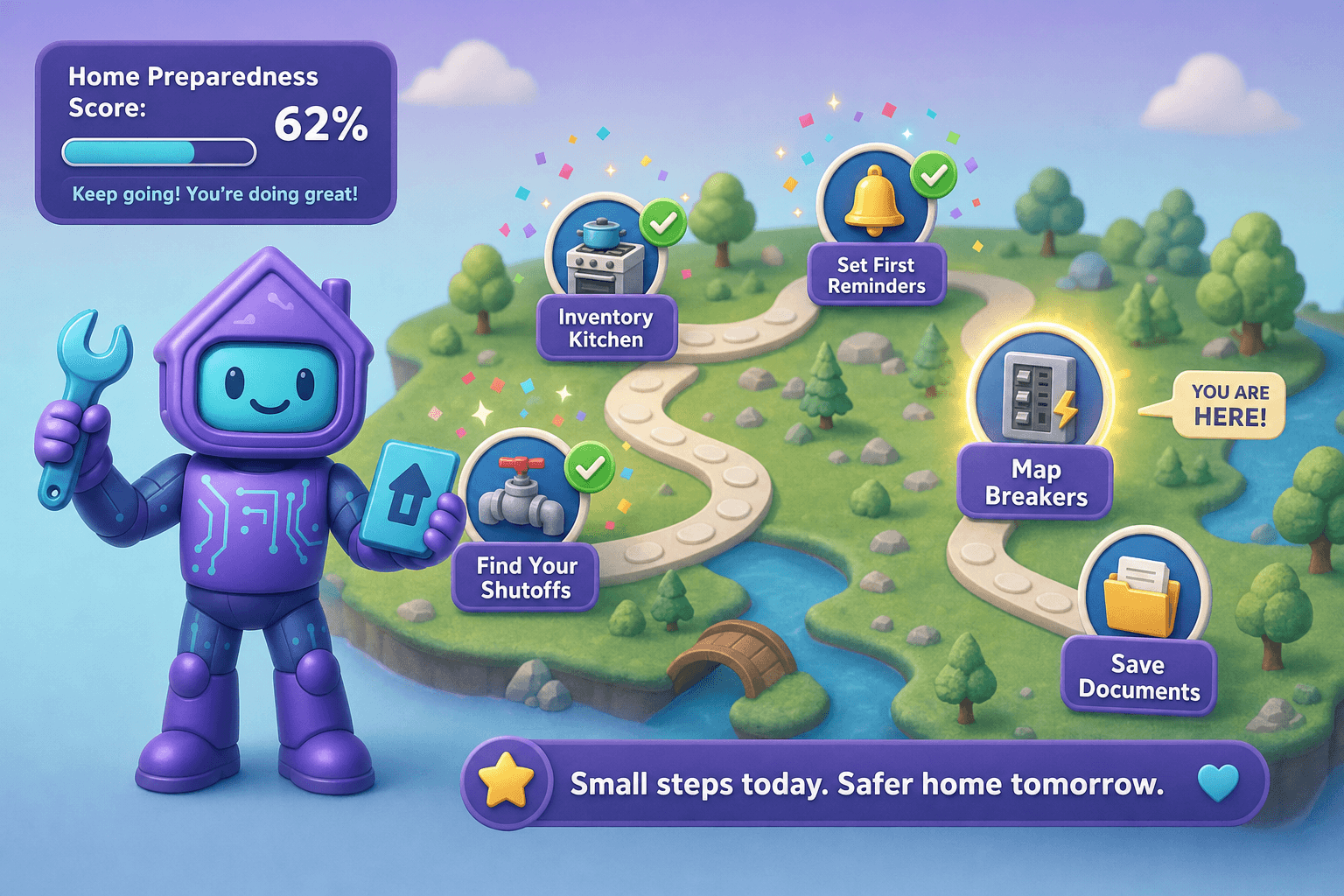
- Visible progress. Watching the quest map fill up creates a small dopamine loop that keeps you coming back. The same brain that bounces off "document my house" responds well to "complete 3 quests this weekend."
- AI-guided. The quest knows your house. If you've already added some appliances, it doesn't ask you to add them again. It moves you forward, not in circles.
Some readers may be familiar with the quiz funnel at /quiz, which assesses how prepared your home is. Quests are the "now do something about it" half of that experience.
How Dib's Quests work
A map of available quests
Open the Quests screen and see a small grid of recommended next missions. Some are high-priority basics (emergency shutoffs, fire extinguishers, smoke detectors). Others are situational (you just bought a new home, you just had a baby, you're listing soon).
Each quest has a clear objective and steps
No mystery. You see what done looks like. You see the steps. You start whenever you have 15 minutes.
AI guidance throughout
As you work, Dib's AI suggests the right level of detail, prompts for the right photos, and pulls from data you've already entered so you don't have to repeat yourself. When you finish a step, the next one's already cued up.
Tangible rewards
Each completed quest unlocks something real:
- A more complete home record (the actual reward)
- A "preparedness score" that climbs as you finish quests
- Recommendations for what to tackle next
- Bragging rights, if you're into that
Plays nicely with the rest of Dib
Quests use the same data as your inventory, documents, reminders, and emergency prep. Completing a quest builds your real home record, not a separate "quests world."
Picture this
You decide today's the day. You sit down with a coffee. You don't have hours. You have maybe 45 minutes.
Open Dib. Tap Quests. The top recommendation is "Document Your Critical Shutoffs (15 min)."
You start. The quest prompts:
- Walk to your water main shutoff. Snap a photo. Confirm location.
- Walk to your gas shutoff (if you have one). Snap a photo. Confirm location.
- Photograph your electrical panel.
- Confirm three emergency phone numbers are saved.
Twelve minutes later you've finished. Real reward: your home is now massively safer in any emergency. Symbolic reward: a check mark and a preparedness score that just jumped 10 points.
You start another quest. "Document Your Top 5 Appliances (20 min)." Walk through the kitchen with Smart Add. Snap stickers on the fridge, dishwasher, range, microwave, and washer. Done in 18 minutes.
Two quests, 30 minutes, real homeowner work that's been on your "someday" list for three years. Coffee's not even cold.
Tips to make the most of Quests
- Schedule one quest a week, not 12 in a weekend. The point is sustainability, not heroics.
- Pick the highest-leverage quest first. Emergency shutoffs, smoke detectors, fire extinguishers, and core inventory are the basics that prevent the worst outcomes.
- Use the AI chat inside a quest if you get stuck. The chat knows what you're working on.
- Loop in your household. Some quests are perfect to do with a partner or even older kids. The "where's the shutoff" walk is a great family literacy moment.
- Don't worry about completion percentage. Many people happily plateau at 60% of all quests done, which is dramatically better than where they started.
- Revisit yearly. Some quests benefit from an annual refresh (the emergency plan, the contacts list). A short "review my quests" weekend each year keeps everything current.
Frequently Asked Questions
Are Quests just gamification, or do they actually help?
Both. The gamification (progress, scores, sequencing) is what gets you to start. The work itself is identical to what a careful homeowner would do anyway. You end up with a real, useful home record, regardless of how you feel about preparedness scores.
How many quests are there?
Many. New ones get added regularly based on what's most useful for real homeowners. Some are foundational (every home benefits). Others are situational (new construction, vacation rental, multi-family, accessibility, families with young kids). You're not expected to do all of them.
Can I skip quests I don't care about?
Yes. Quests are recommendations, not requirements. Hide ones that don't fit your situation. The Quests feature exists to help you, not to nag.
What does the preparedness score actually measure?
Roughly: how well-documented and emergency-ready your home is, across categories like emergency prep, inventory, documents, maintenance, and contacts. A higher score correlates with faster insurance claims, smoother emergencies, and stronger resale narratives.
Are Quests free?
The core quests are available to all Dib users. Some advanced or specialty quests may be part of paid tiers.
How is this different from just using Dib normally?
Normal use means you add things as they come up. Quests work the other direction: they tell you what's missing and prompt you to add it. Both approaches are valid, and most people use a mix.
Ready to tackle just one quest?
Open Dib, tap Quests, pick whichever one looks 15 minutes long, and finish it before you put your phone down. That's the entire commitment.