
Home apps are having a moment. New launches are making headlines, investors are writing checks, and "home intelligence" is suddenly a category. As people who've been quietly building here for a while, we love it. More attention means more homeowners finally get their houses out of the junk drawer.
But a launch headline doesn't tell you whether an app will still be useful in February. So here are the six questions we'd ask before trusting any app, including ours, with your home.
1. Does it run where your household actually lives?
Check the fine print before you fall in love. Plenty of home apps launch iOS-only. That's fine until your partner has an Android phone, or you want to look something up on a laptop while you're on hold with a contractor.
A home has many people in it. Your home app should run on iOS, Android, and the web, and keep them all in sync. Dib does.
2. Who's actually paying for it?
This is the question almost nobody asks, and it's the most important one on this list.
Every app has a business model. Some charge a subscription. Some are free and earn referral fees when they send you to service providers or insurers. Neither is evil, but they create very different incentives. An app funded by referral fees gets paid when you get referred. An app funded by subscriptions gets paid when you stick around because it's genuinely useful.
Ask who the customer is. With Dib, it's you: a free plan for the essentials and an optional Pro subscription for the AI features. That's the entire model.
3. Does the data entry do itself?
The graveyard of home inventory tools is full of apps that assumed you'd spend a weekend typing in model numbers. You won't. Nobody does.
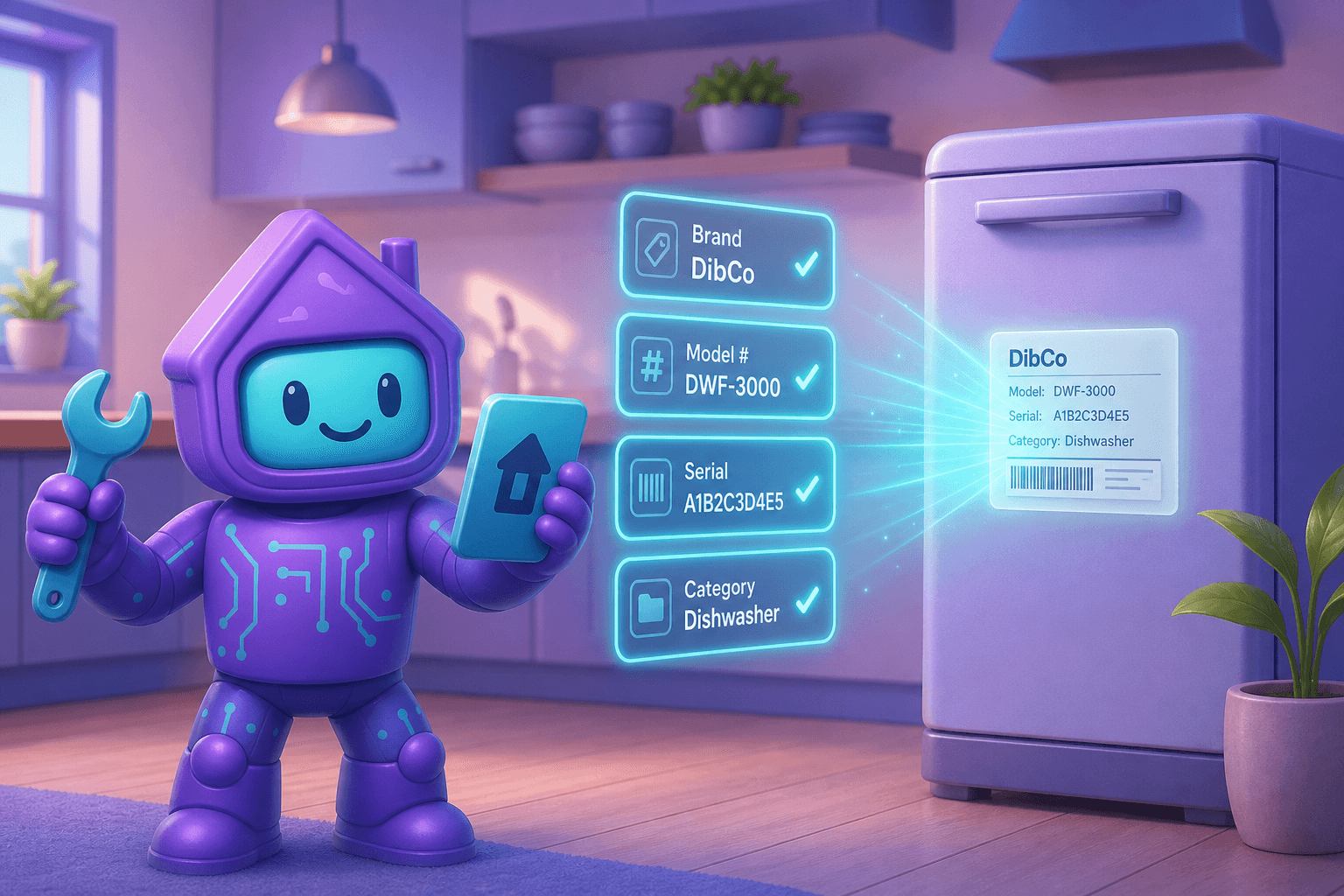
Look for an app that reads photos. With Dib's Smart Add, you snap a picture of the appliance or its label and the brand, model, and serial number fill themselves in. If an app makes you do the typing, you'll quit by the fourth appliance.
4. Does it watch out for you when you're not looking?
Storing information is table stakes. The real value is an app that acts on it: recall alerts when something you own shows up in the CPSC or NHTSA databases, warranty windows before they close, filter changes and seasonal maintenance before things break.
If the app only speaks when spoken to, it's a filing cabinet, not an assistant.
5. Does it cover more than the house itself?
Your home is also your cars, your important documents, your paint colors, your contractor's phone number, and the location of the water shutoff at 2 a.m. when there's water coming through the ceiling.
Dib tracks vehicles with mileage and service history, stores documents and receipts, and keeps an emergency prep section with shutoffs, access info, and contacts. One app, the whole home.
6. Can you leave with your data?
We've watched home apps shut down and give users a few weeks to grab their stuff. Some of our favorite users came to us that way, and they all say the same thing: never again.
Before you invest hours into any app, find the export button. If there isn't one, that's your answer. Dib lets you download a complete copy of your home records anytime, no shutdown notice required.
The short version
New apps will keep launching, and some will be great. But whichever one you pick, make sure it runs on your family's actual devices, answers to you and not to referral partners, does the data entry itself, speaks up before things break, covers the driveway and the document drawer, and lets you leave with your data.
If you want the app that already checks all six boxes, we happen to know one. And if you're weighing a specific newcomer against Dib, we keep an updated side-by-side at dib.io/hint.
Sixty seconds to your first item. Start free →