

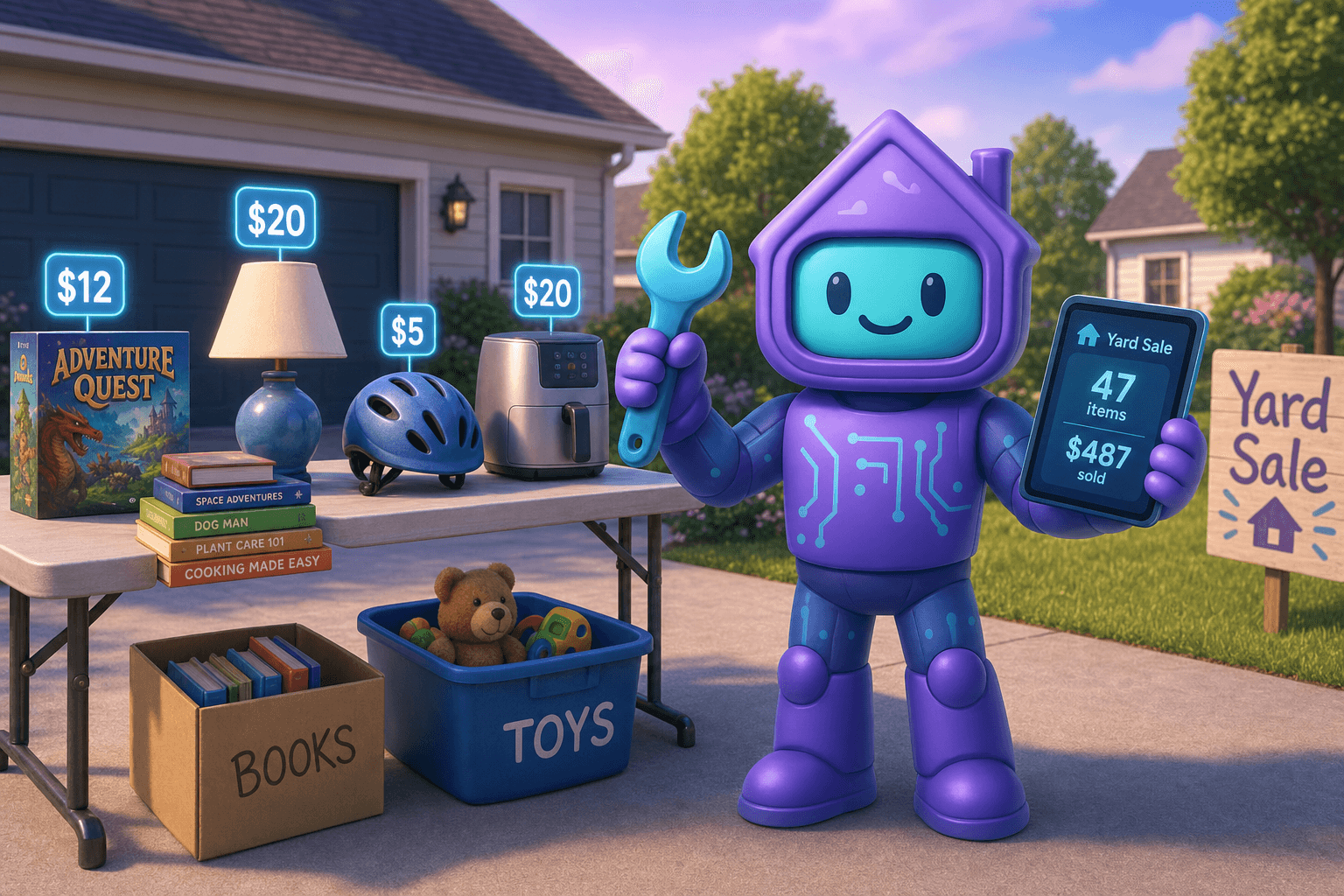
Yard sales are great in theory and chaotic in practice. You drag stuff out at 6 a.m., apply masking tape prices that bear no relation to what anything actually cost, haggle with people who somehow brought exact change for everything but a $5 bill, and by noon you have a vague sense that you "did okay" but couldn't say what you actually sold or for how much.
There's a better way to run a yard sale, and it isn't a fancier app or a card reader. It's the boring magic of pricing your stuff ahead of time using the inventory you've already built. Dib's yard sale mode turns clutter into a real, organized sale (or online listing) without a spreadsheet.
What is a yard sale mode in a home inventory app?
At its core, it's a way to take items you already have in your inventory, mark them as "for sale," set prices, and run an actual sale (in person or online) with a clean list. The better versions add:
- Suggested prices based on what similar items have sold for
- Photos for online listings, ready to go
- Multi-channel listing (yard sale, Facebook Marketplace, Craigslist, eBay, Nextdoor)
- A running tally of sold vs unsold items
- Easy "remove from inventory" when an item sells
Dib's yard sale feature is designed around using the work you've already done to build a home inventory. The items are already photographed and described. The yard sale mode just adds the pricing and listing layer on top.
Why this beats stickers on masking tape
- Faster pricing. Pricing 100 items the night before is brutal. Pricing 100 items over a few weeks of "oh I'm not using this anymore" is easy.
- More accurate pricing. Looking up what similar things have sold for on Facebook Marketplace beats guessing. You make more money on the good stuff and don't over-price the iffy stuff.
- No "wait, did I sell that?" When someone buys it, you mark it sold in Dib. Your inventory is automatically up to date.
- Multi-channel options. Some items sell better online than at a yard sale (electronics, designer clothes). Some sell better at a yard sale (kitchenware, kids' stuff). Dib helps you split.
- Tax records, if it matters. If you ever need to document what you sold and for how much (estate situations, downsizing claims, sale of valuable items), a clean record is much better than a vague memory.
- Cleaner aftermath. What didn't sell? Drop it at donation. What's left? Updated inventory, smaller home, more space.
How Dib's yard sale feature works
Tag items as "for sale" from your inventory
As you spot stuff you don't need anymore, you tag it. The item already has a photo, brand, model, and details. You add a price and a few sale-specific fields (negotiable yes/no, available now or weekend of, condition notes).
Build a sale list
Your "for sale" tag rolls up into a yard sale view: every item you're selling, all in one place. Print it, share it as a link, or use it as your phone-side reference during the sale.
Suggested pricing
Dib can suggest a price range based on similar items, condition, and how badly you want to move it. You can override anything. The suggestions are a starting point, not a contract.
Easy online listing
For items you'd rather sell online than at a yard sale, the listing is half-done. Photo, title, description, suggested price, and condition are already there. Export to a Marketplace post or share a link.
Mark sold, instantly
When an item sells, mark it sold and (optionally) record the price you actually got. The item moves out of your inventory (or stays in a "sold" archive) and the sale totals update.
Multi-day or rolling sales
A traditional yard sale is one weekend. Some people run a slower "anything for sale" mode where stuff lingers as Marketplace listings for weeks. Both work.
Picture this
You and your partner decide to declutter. Over the next month, every time you find something you don't need (an old gaming console, a never-used kitchen gadget, a bike, a dresser, a stack of board games), you tag it in Dib as "for sale." You add a quick price using the suggestion or your own gut.
By the time the weekend comes, you have:
- 47 items tagged for sale
- A clean printable inventory of every item with prices
- 12 items already listed on Marketplace (which sold during the week)
- The other 35 ready for Saturday's yard sale
Saturday morning is calm because the prep work happened gradually. People show up, you point at the list, they pay, you tap "sold." By 1 p.m. you've sold a real chunk of the inventory, your house is meaningfully emptier, and you actually know what you made.
At the end of the day, Dib shows you the final tally: $487 in sales, 28 items moved, 7 items going to donation. Inventory updated automatically. House feels lighter. Weekend wasn't a disaster.
Tips for a smarter sale
- Tag stuff gradually, not the night before. This is the entire trick. Spread the prep over weeks. The pile builds itself.
- Use real photos. A photo with daylight in a clean spot dramatically outperforms a phone snap in a cluttered garage.
- Lean into "I just want it gone" pricing. Yard sale shoppers are looking for deals. Aggressive pricing moves more stuff.
- Bundle small items. A box of 20 small toys priced at $5 sells more than 20 toys at $1 each that nobody picks up.
- Split online and in-person. Higher-value items (electronics, brand-name clothing, niche collectibles) often net more on Marketplace. Lower-value stuff (kitchen gadgets, decor, kids' books) sells fine in the driveway.
- Update inventory as you sell. Two seconds per item. Your future-self will appreciate it the next time you're trying to find something.
Frequently Asked Questions
Do I need a full inventory to use yard sale mode?
No. You can also use yard sale mode to build a list directly: photograph stuff, set a price, sell it. But if you already have an inventory, the workflow is faster because the items are already documented.
Can I sell stuff online with Dib?
Dib helps you prepare clean listings (photos, prices, descriptions) and gives you a place to track what's sold across channels. The actual transaction happens on Marketplace, Craigslist, eBay, Nextdoor, or whatever platform you use. Dib isn't trying to be a marketplace itself.
Does Dib track what I made?
Yes. When you mark an item sold, you can log the price you actually got. The sale tallies up across the event so you know exactly what you brought in.
What about items that don't sell?
Tag them as "unsold," donate or repost online, or just remove from sale. They can stay in your home inventory if you decide to keep them, or get archived if you give them away.
Is this useful for downsizing or estate situations?
Yes, and more than people realize. When you (or a family member) is downsizing, having a clean record of what was sold (and for how much) is far easier than reconstructing it later from memory or shoeboxes.
What about valuable items like jewelry or collectibles?
Dib helps you organize and price them, but for genuinely high-value pieces, a professional appraisal and a curated sale (eBay, specialty dealers, auction) usually beats a yard sale. The inventory data you have makes any of those routes easier.
Ready to declutter without the chaos?
Pick one room. Walk through it with Dib. Tag five things for sale. That's the entire start. The next room can wait.