
Take a slow walk around your house and try to remember where each of these is right now:
- The owner's manual for your dishwasher
- The receipt for the water heater installed in 2022
- Your most recent home inspection report
- The HVAC service contract you signed in spring
- The warranty card for the lawn mower
- Closing documents for the house
If your answer is "scattered between three drawers, one filing cabinet, two email accounts, and the photos app," congratulations, you're a normal homeowner. The bad news is that none of those locations help you when something breaks at 9 p.m. on a Sunday.
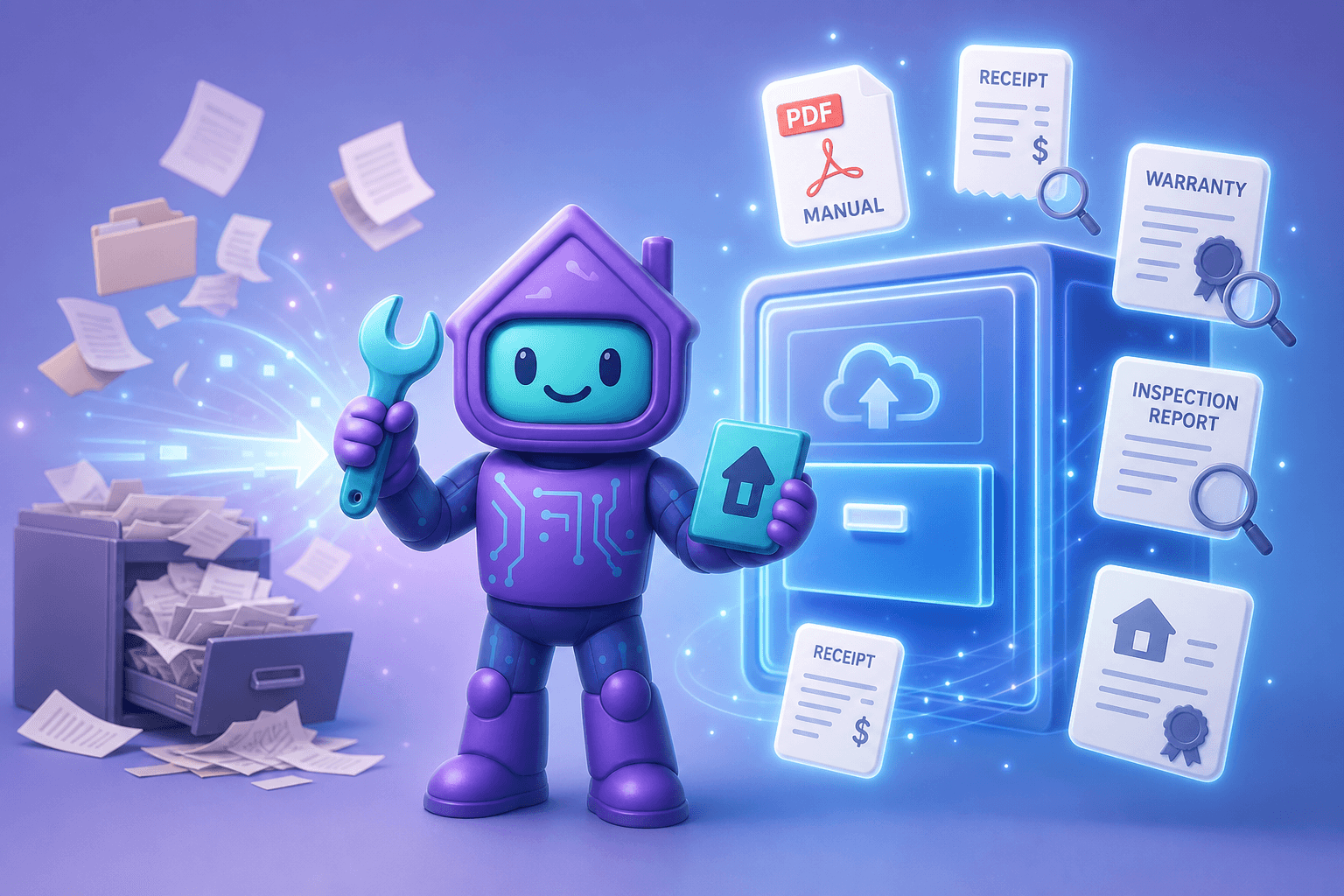
A digital documents vault for your home solves this. Dib's documents feature gives every important PDF, scan, photo, and receipt one searchable home, with AI that reads the contents so you can find anything in seconds.
What a home documents vault actually does
Strip away the marketing and a documents vault is a smart filing cabinet that:
- Holds anything paper or digital. Manuals, receipts, warranties, contracts, inspection reports, permits, insurance policies, closing docs, appraisals, even photos of handwritten notes.
- Knows what each document is. Type, date, related product or vehicle, and the key details inside.
- Is searchable in plain English. "Show me the dishwasher manual," not "Folder > Appliances > Kitchen > Dishwasher_Manual_v2_FINAL.pdf."
- Lives somewhere safe. Cloud-based, so a basement flood doesn't take it with everything else.
Why this matters more than people admit
Lost documents quietly cost real money and real time:
- Voided warranties. A 5-year warranty is worth zero if you can't find the receipt.
- Insurance friction. Claims move faster with policies, inventories, and proof of ownership in one place. Without them, you're chasing paper while you're already stressed.
- DIY frustration. That "easy fix" is much easier with the manual open in front of you. Without the manual, you're watching YouTube and hoping.
- Selling and refinancing. Permits, inspection reports, improvement receipts all matter at closing. Dig them up in advance and the process moves faster.
- Time. Even on a normal day, knowing exactly where things live saves multiple "where did I put that" minutes per week.
We wrote more on the full documentation philosophy in our complete guide to home documentation. This post zooms in on the vault itself.
How Dib's documents vault works
One drop zone, many sources
Upload PDFs, snap photos of paper documents with your phone, forward email attachments, or scan with the built-in document scanner. Whatever the source, it lands in your documents vault with the noise stripped out.
AI reads the contents
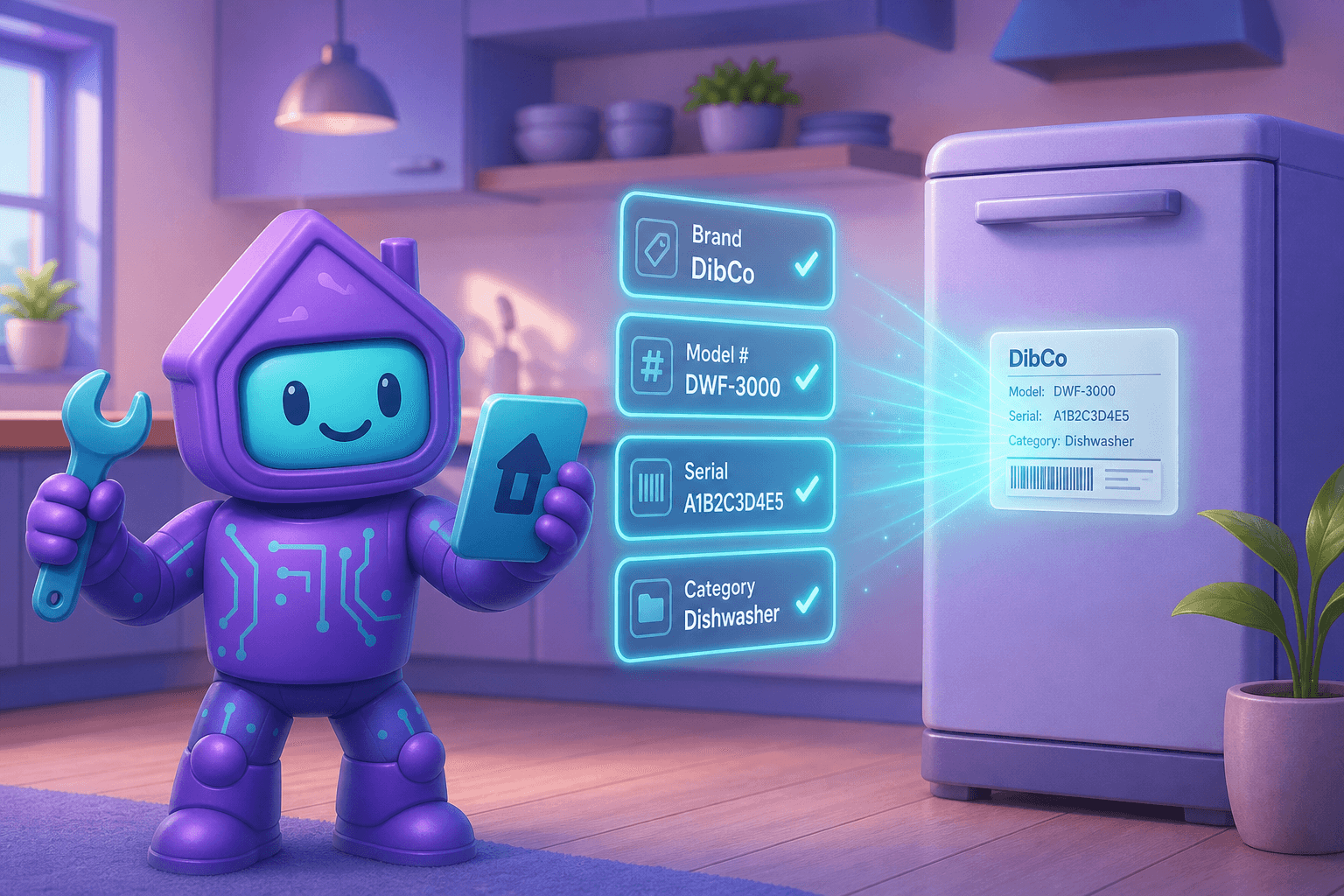
This is the magic part. Dib reads each document with AI and pulls out the useful structured information: what kind of document it is (warranty, manual, receipt, contract, inspection report), the dates that matter, the brand or vendor, and anything else worth indexing. So a 40-page manual isn't just a 40-page manual sitting in a folder. It's a manual you can ask questions about.
Plain-English search
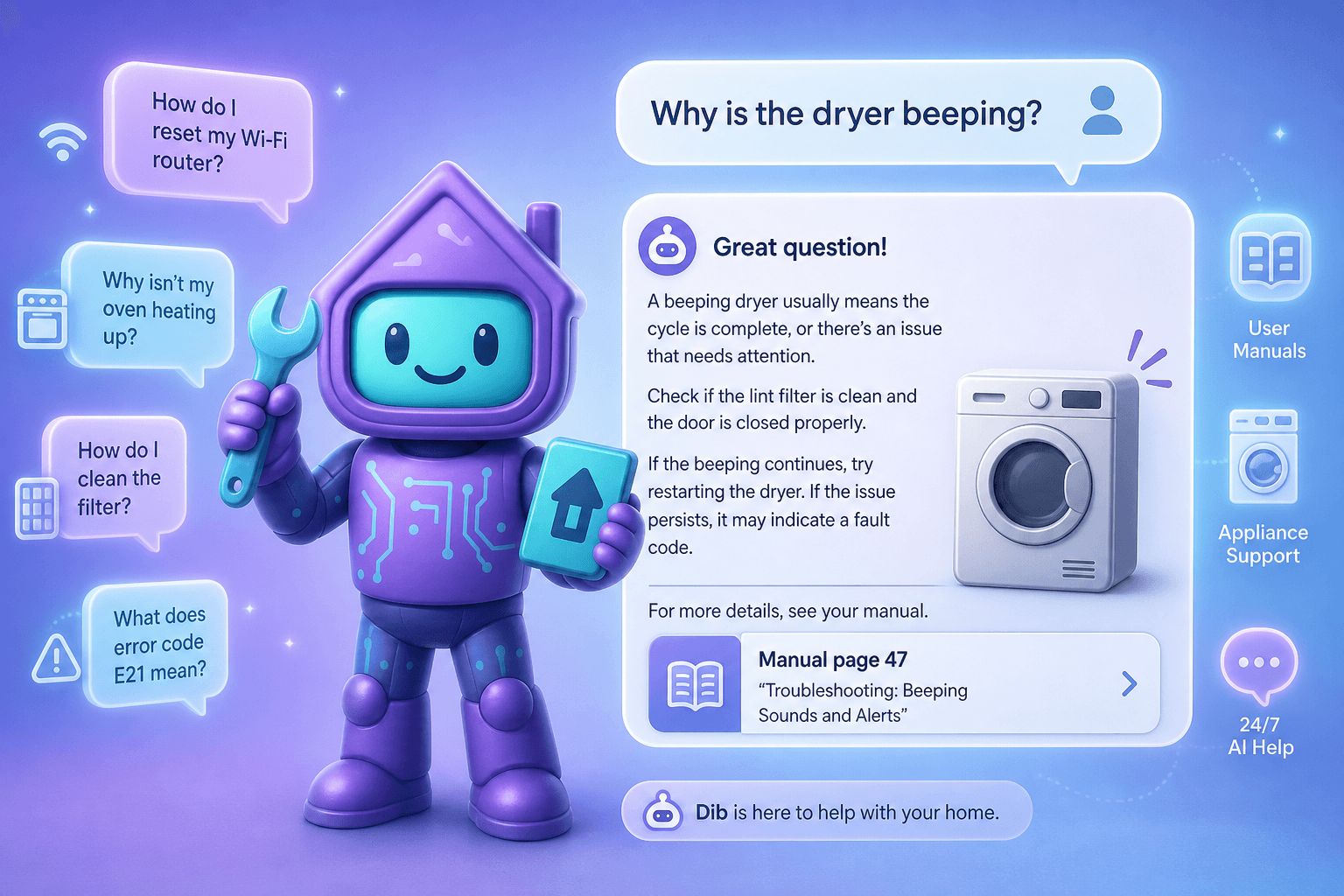
Type "dishwasher manual" or "water heater installation receipt" or "where's the inspection report from when we bought the house" and the right document surfaces. No naming conventions to remember. No nested folders.
Linked to the rest of your home
A receipt for your washing machine lives next to the washing machine in your inventory. A vehicle title lives next to that vehicle. A permit lives next to the project it covers. Everything stays connected so you find documents by clicking on the thing they belong to, not just by searching.
Shareable, securely
Need to send your insurance adjuster a manual and a serial photo? Need to give a contractor access to last year's HVAC service contract? You can share specific documents without giving someone access to the whole vault.
Picture this
9:47 p.m. on a Sunday. The dishwasher just made a noise it should not have made and is now flashing an error code.
You open Dib, tap the dishwasher in your inventory, and there's the manual. You scroll to the error code table. Yes, it's "drain hose blocked." Five-minute fix, no service call, no waiting until Monday morning, no Googling the wrong manual for the wrong model.
Or take a more pleasant version. The contractor finishes a kitchen remodel and hands you a folder. You spend three minutes scanning the receipts, permits, and warranty cards into Dib while it's all fresh. Two years later when you sell, the buyer asks "any documentation on the remodel?" and you forward them a clean folder in under a minute.
Tips to get the most out of it
- Start with the ten documents you'll actually use. Major appliance manuals, the home inspection report, current insurance policy, mortgage documents, and any warranty over $500. That's your highest-value first pass.
- Catch documents at the moment they arrive. The contractor finishes, the appliance gets delivered, the closing happens. Scan or photograph right then. It's the difference between five minutes and five hours later.
- Use the phone scanner, not a flatbed. The built-in camera scanner produces clean PDFs and saves you the trip to a printer.
- Tag receipts to projects. A receipt is useful. A receipt linked to a home improvement project is gold at resale time.
- Don't try to scan everything from before today. Backfill the highest-stakes documents and forget the rest. Perfection is the enemy of done.
Frequently Asked Questions
Can Dib actually read the inside of a PDF or photo?
Yes. Dib uses AI and OCR to read the contents of documents, including scanned photos of paper. That's what makes plain-English search and question-answering work. Even a phone photo of a receipt becomes searchable text.
Is it safe to store sensitive documents like closing papers or insurance policies?
Yes. Documents are stored encrypted, and access is scoped to your household. You decide what to share and with whom. Treat it like the most-protected drawer in your filing cabinet, with the added bonus that fire and flood can't reach it.
What file types are supported?
PDFs, common image formats (JPG, PNG, HEIC), and screenshots all work. If you have an older document on paper, the built-in scanner inside the Dib app turns it into a clean PDF in seconds.
What happens if I want to leave?
Your documents are yours. You can download them at any time. No lock-in, no proprietary format you can't export.
Will Dib remind me when warranties or contracts expire?
Yes. When Dib reads a document and finds a meaningful date (warranty end, contract renewal, inspection expiration), it can surface a reminder so the date doesn't sneak up on you. This pairs with the reminders system for the rest of your upkeep.
Can I share specific documents without sharing my whole vault?
Yes. Shareable links to individual documents (or small groups of them) make it easy to send a contractor, insurance adjuster, or buyer exactly what they need, nothing more.
Ready to clear out the junk drawer?
Pick ten high-stakes documents and scan them this weekend. That's it. From there, every new document gets captured at the source, and you stop digging through drawers for good.