
Dib speaks the Model Context Protocol, so Claude, Cursor, VS Code, and ChatGPT can read and update your home directly. Your assistant finally knows your appliances, your car, your documents, and your to-do list, then acts on them for you.
OAuth 2.1, scoped per home, revoke anytime. No keys to paste.
gmail_searchGmailBosch receipt · Apr 2dib_create_inventoryDibBosch 800 dishwasher · $1,099dib_create_taskDibRegister warranty · due in 7 daysPulled it off your receipt, logged the Bosch 800, and set a warranty reminder. ✅
Works with the AI tools you already use
MCP, the Model Context Protocol, is an open standard that lets AI assistants talk to your apps and data. Think of it like a USB-C port for AI: instead of every app inventing its own integration, they all speak one language. Dib's MCP server puts your home on that port, so any assistant that speaks MCP can read and update it, safely and only with your permission.
Talk to your assistant like always: “What size is my furnace filter?” No commands to memorize.
Your assistant sees Dib’s tools and reaches for the one that fits the question.
Dib reads or updates your home and hands the answer back, usually in a second or two.
MCP is the universal port for AI. Dib plugs your home into it, so the assistant you already talk to can finally do the home stuff for you.
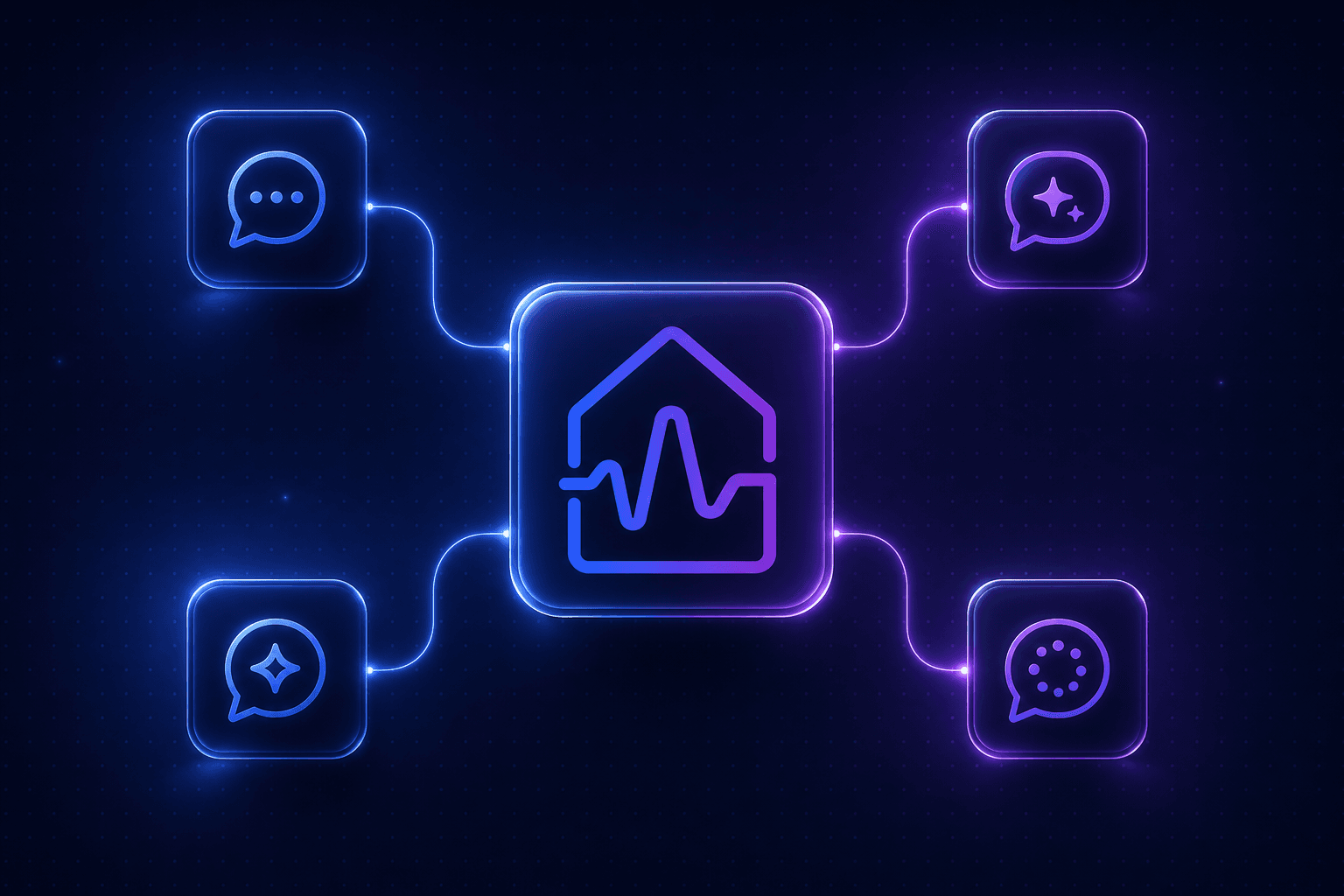
Connect once and your home shows up as tools in Claude, Cursor, VS Code, and ChatGPT. Switch assistants whenever you like, your home comes with you.
Dib doesn't just answer questions. Your AI can create inventory, log documents, and add tasks, so your home actually stays up to date.
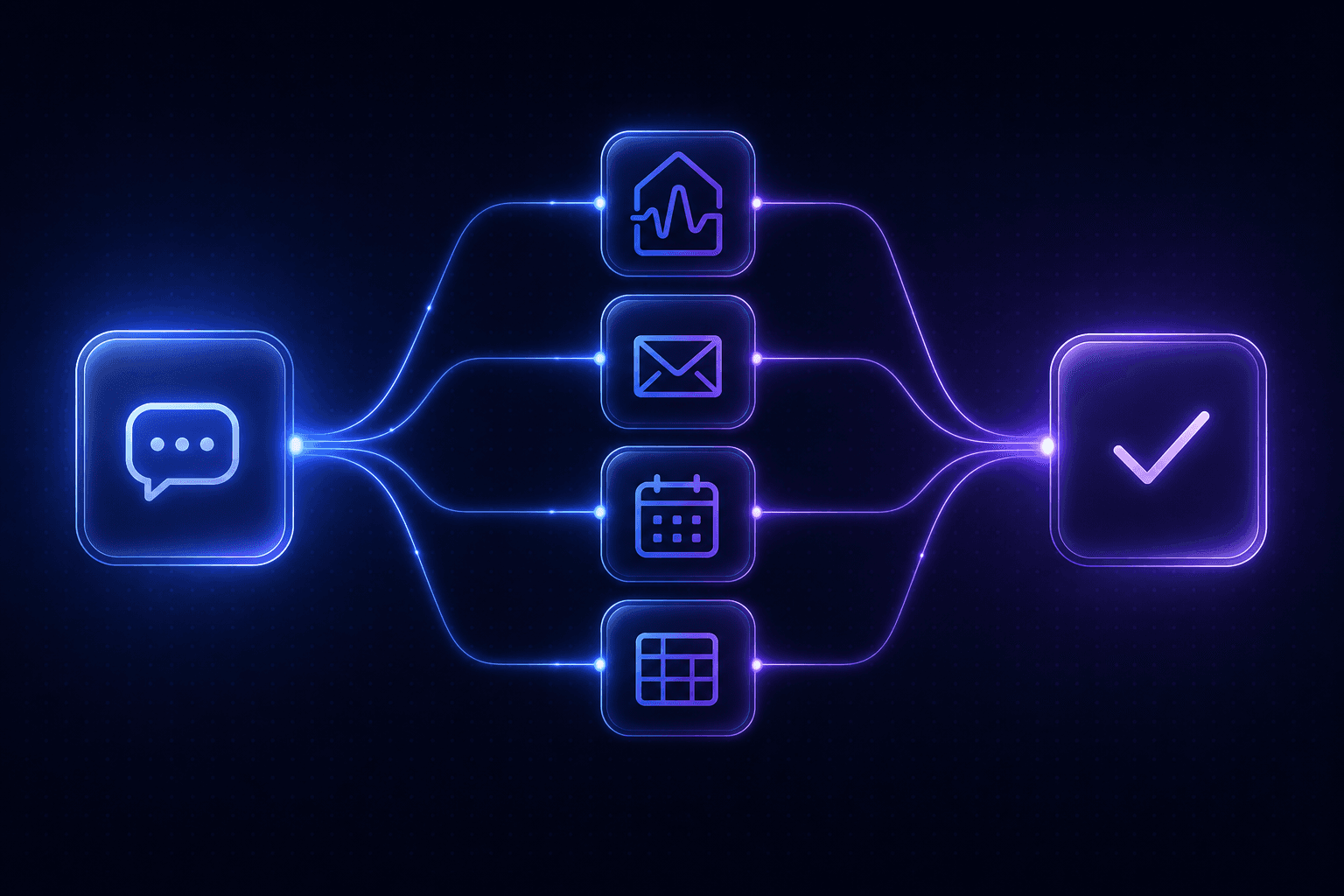
Pair Dib with a Gmail, calendar, or files server and your assistant stitches them together: receipts become inventory, warranties get filed, chores hit your calendar.
Every connection is scoped to one home with the exact permissions you pick. Read-only stays read-only, and you can revoke access in a tap.
The MCP server mirrors the full Dib API. Every tool is gated by the same scopes as your key, so reads need :read and writes need :write.
Natural-language search across everything in your home.
dib_searchTrack appliances and belongings with brand, model, and value.
dib_list_inventorydib_get_inventory_itemdib_create_inventoryKeep specs and maintenance history for every vehicle.
dib_list_vehiclesdib_get_vehicledib_create_vehicleCapture reminders and check off home maintenance.
dib_list_tasksdib_create_taskdib_update_taskFile warranties, manuals, and receipts where you'll find them.
dib_list_documentsdib_get_documentdib_create_documentOrganize your home room by room.
dib_list_roomsThe details that make your home yours.
dib_get_propertydib_update_propertyThree steps, no SDK, no glue code. Your assistant does the rest.
Drop the Dib URL into your MCP client, or use a one-click install for Cursor and VS Code. That's the whole setup.
Sign in, pick which home to connect, and choose what the assistant can see. No keys to copy or paste.
Talk to your assistant like always. When a question touches your home, it reaches for Dib's tools automatically.
Dib gets really fun once it's one tool among many. Let your assistant gather context from wherever it lives, then use Dib to remember it.
“Search my Gmail for purchase receipts from the last two years, pull out the appliances and electronics, and add each one to Dib with brand, model, price, and purchase date.”
“Grab the warranty PDF in my Downloads, figure out which appliance it belongs to, and save it to that item in Dib.”
“Look at my open Dib tasks, then add calendar reminders for the HVAC filter and the gutter cleaning so I actually do them.”
“Check my Dib inventory for air and water filters, look up the matching sizes, and start a cart with replacements.”
“List everything in my living room from Dib, total up the estimated value, and drop it into a spreadsheet I can send my insurer.”
“Log the plumber's invoice as a document, add a task to follow up on the quote, and note the new dishwasher in my kitchen inventory.”
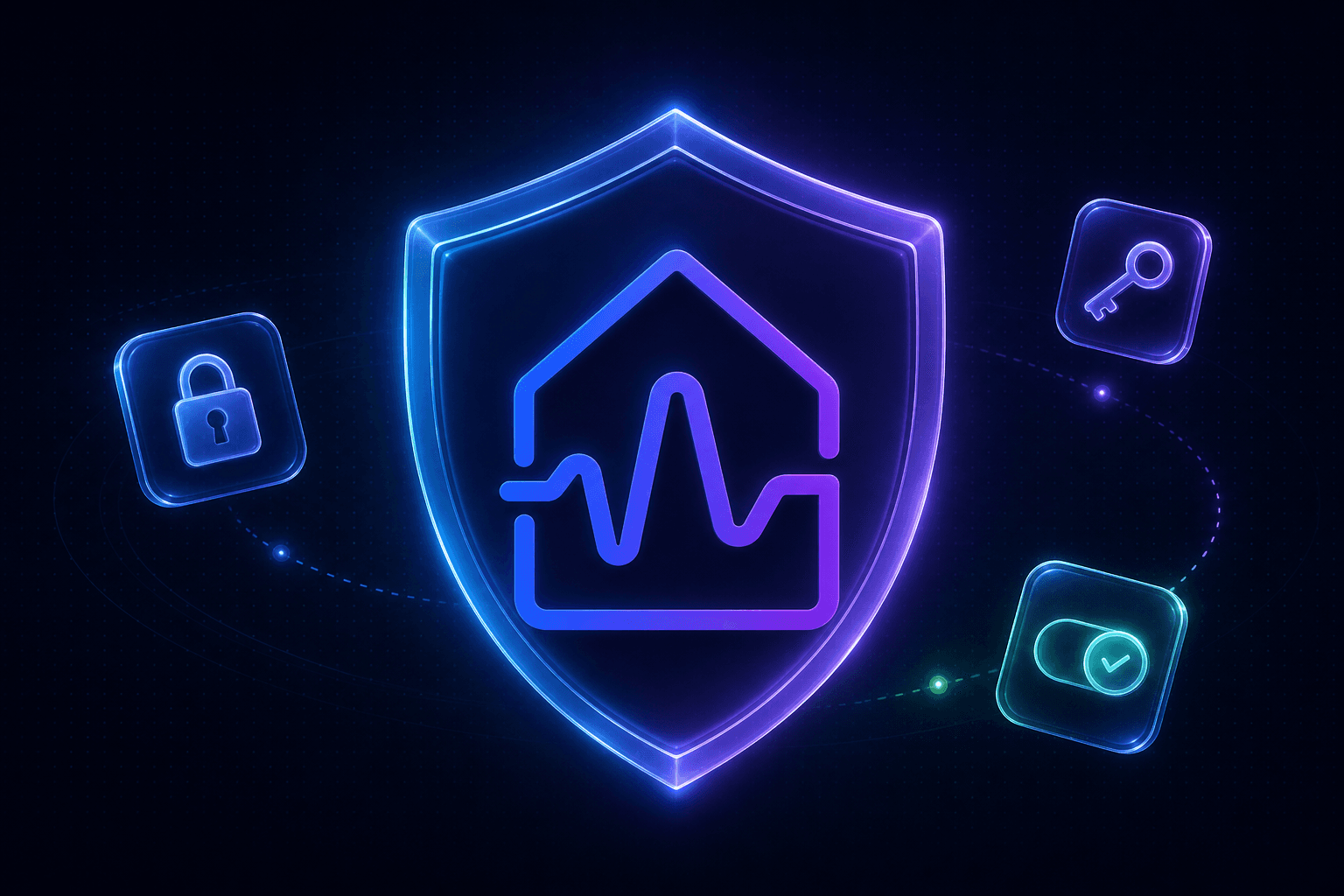
Connecting an AI to your home should feel safe. Dib speaks OAuth the way MCP clients expect and keeps you in control of every byte.
Standard protected-resource and authorization-server metadata, dynamic client registration, and PKCE. Most clients handle it the moment you paste the URL.
Every token is bound to the home and the exact permissions you approve. A read-only connection can never write.
Pull access from your API key settings whenever you want. Mint new keys with new scopes and the server picks them up automatically.
Pick your tool below. Cursor and VS Code install instantly. For Claude and ChatGPT, copy the URL into their connector settings.
Server endpoint
https://dib.io/api/mcpConnecting a client needs a Pro home with the Public API enabled. Prefer the full reference? Read the developer docs.
The MCP server is in early access. Drop your details and we'll reach out the moment it's your turn to plug Dib into your assistant.